

DDS Viewer 3.2
Open and view Microsoft DirectDraw Surface files
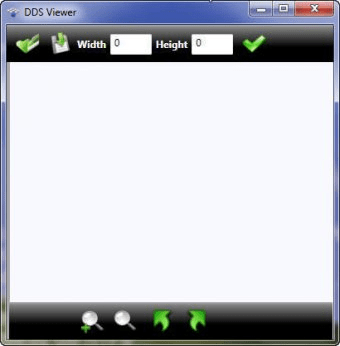
Manage files in the DDS format. Process the input materials as images, zoom in and out, fit the image to screen, as well as rotate it to left or right. Access a variety of options for JPG, BMP, PNG, GIF, TIFF export. Analyze the photograph's width and height in pixels.
DDS Viewer is a free for use software tool. DDS Viewer can be used to open Microsoft DirectDraw Surface files, display image preview and provide options to convert, resize and save them in other most known image file formats as .jpg, .gif, .png and others.
DDS or DirectDraw Surface today is a standard for storing data, compressed with S3 Texture Compression (S3TC) algorithm. This makes the format useful for storing graphical textures and cubic environment maps as a data file.
Main features:
- Zoom In/Out:
You can zoom in/out both with mouse and with slider control.
- Rotate image
Rotating image can be done 90 degrees clockwise or counter-clockwise, just with clicking on arrow toolbars.
- Pan image
Pan image with the mouse.
- Resize image
On the top toolbar you can see the original image size. The original size can be changed and the image can be resized with inserting new size parameters.
- Convert image
Opened DDS image file can be converted/saved in other image format as JPEG(.jpg), Bitmap(.bmp), PNG(.png), GIF(.gif) and TIFF(.tiff).
Details
Extensions

No information available
The data will be available later.Old versions

No information available
The data will be available later.Awards

There are no awards
Over time, app awards will appear here.


Comments
1. No way to look at small dds images in their actual resolution. The viewer is always zoomed in to the fit the window size. No way to zoom out and the window cannot be made small enough.
2. No way to quickly look through a series of dds files. As in no 'Next' and 'Previous' buttons. You have to individually open every single one.
3. Can't find a non-garbage dds viewer because all search results point to this thing. More